All examples
Point of sale
A point of sale for a shop
A fast touch checkout: barcodes, discounts, split payments, and closing the shift with a cash count.
This is a MawjaX sample for an imaginary business, not a client project. Every name and piece of data in it is made up.
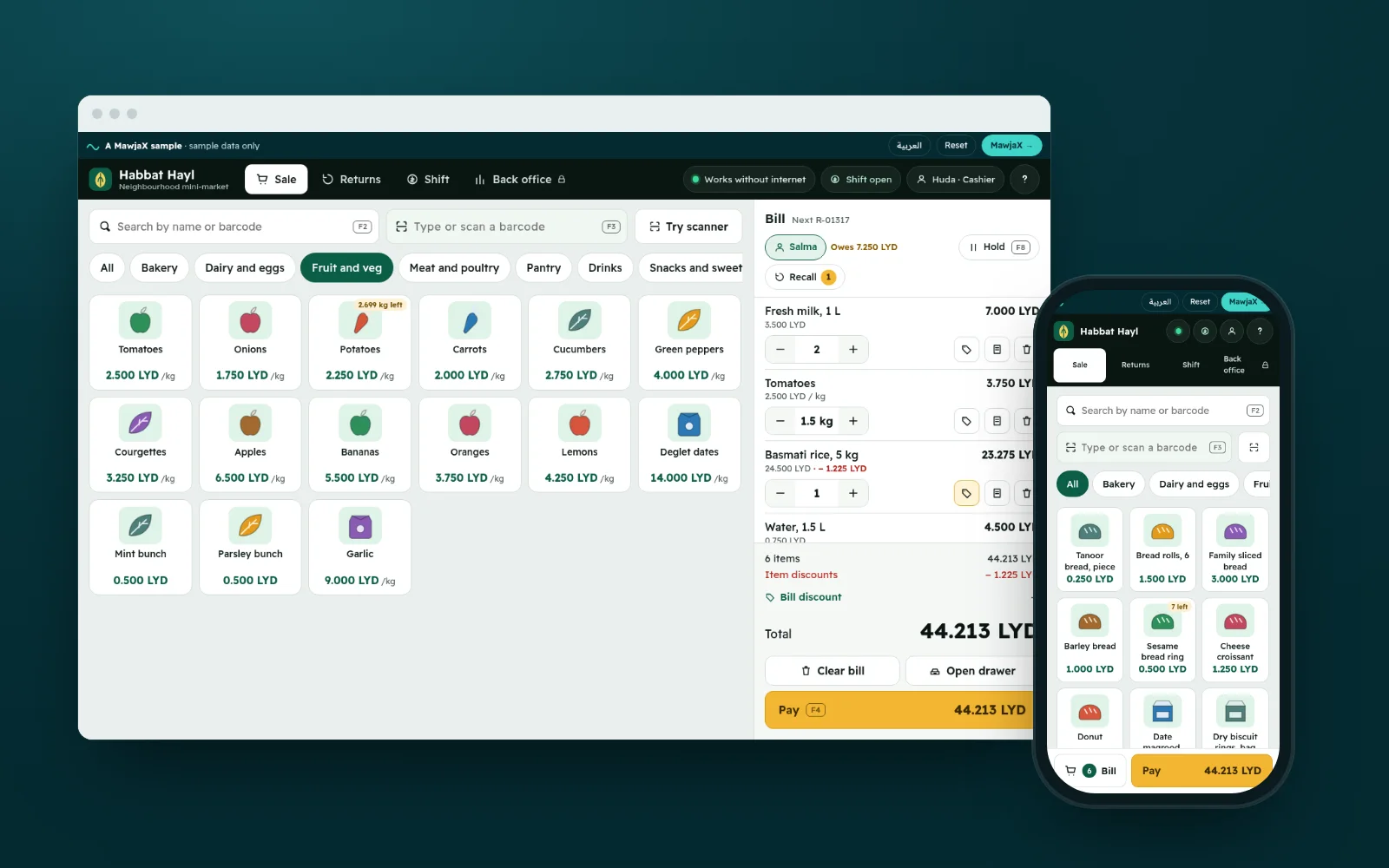
What it solves
Paper and a calculator waste time, stock never updates, and at the end of the day the cash drawer doesn’t match the sales.
Try it yourself
- Sell a few items, pay two ways, and check the change
- Park a bill and come back to finish it
- Close the shift and read the cash report
The sample runs in your browser and everything you add is saved on your device only. The “Reset” button in the top bar puts it back to the start.
What it can do
- Scan a barcode, search, or tap an item
- A discount on an item or the whole bill, depending on permission
- Pay with cash, card or both, and the change is calculated
- Receipts ready to print
- Returns by receipt number
- Closing the shift and a cash report: expected versus counted
Screens from the sample
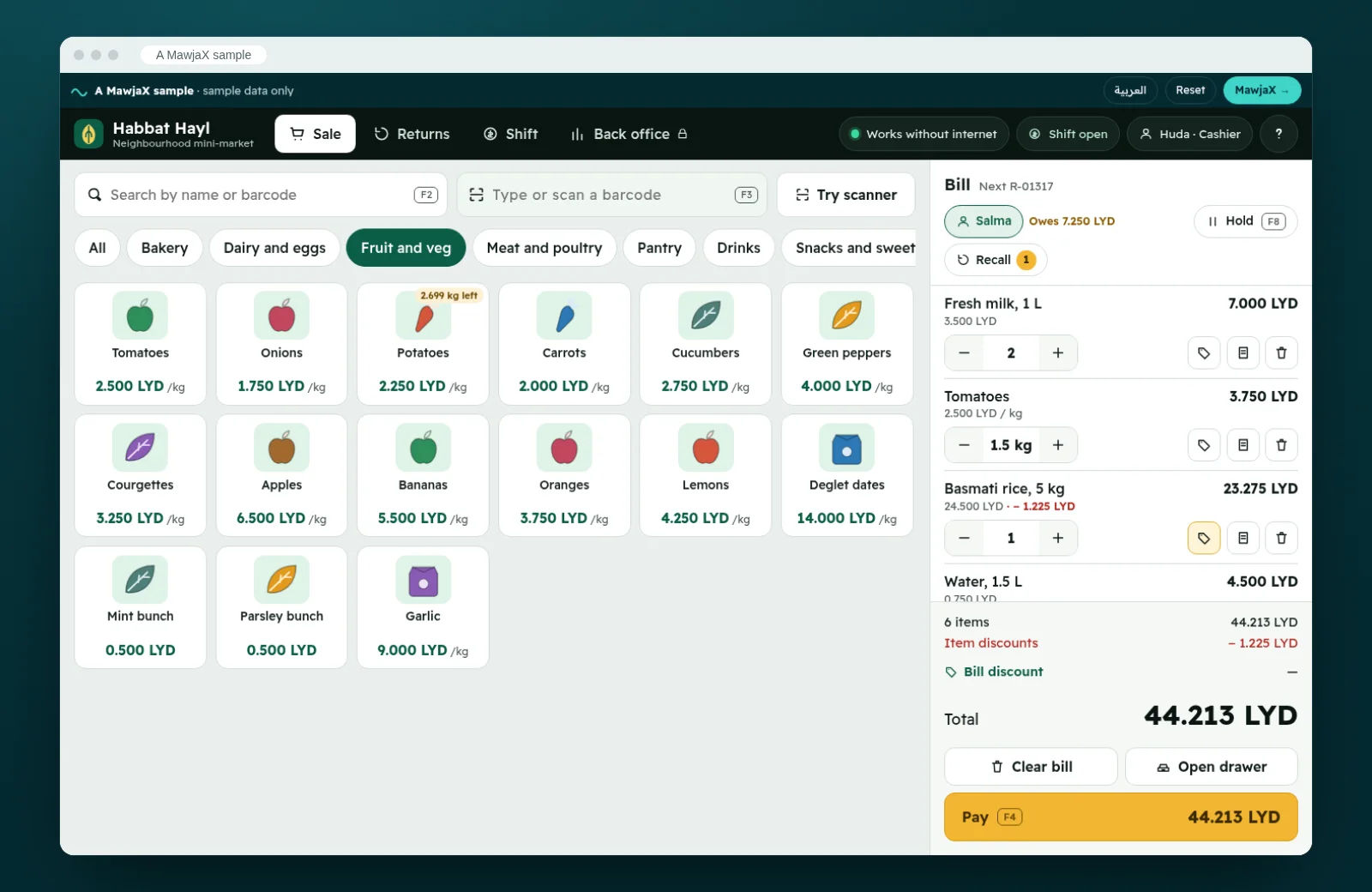
The sale screen: categories, search and barcode, with the bill adding up as you go 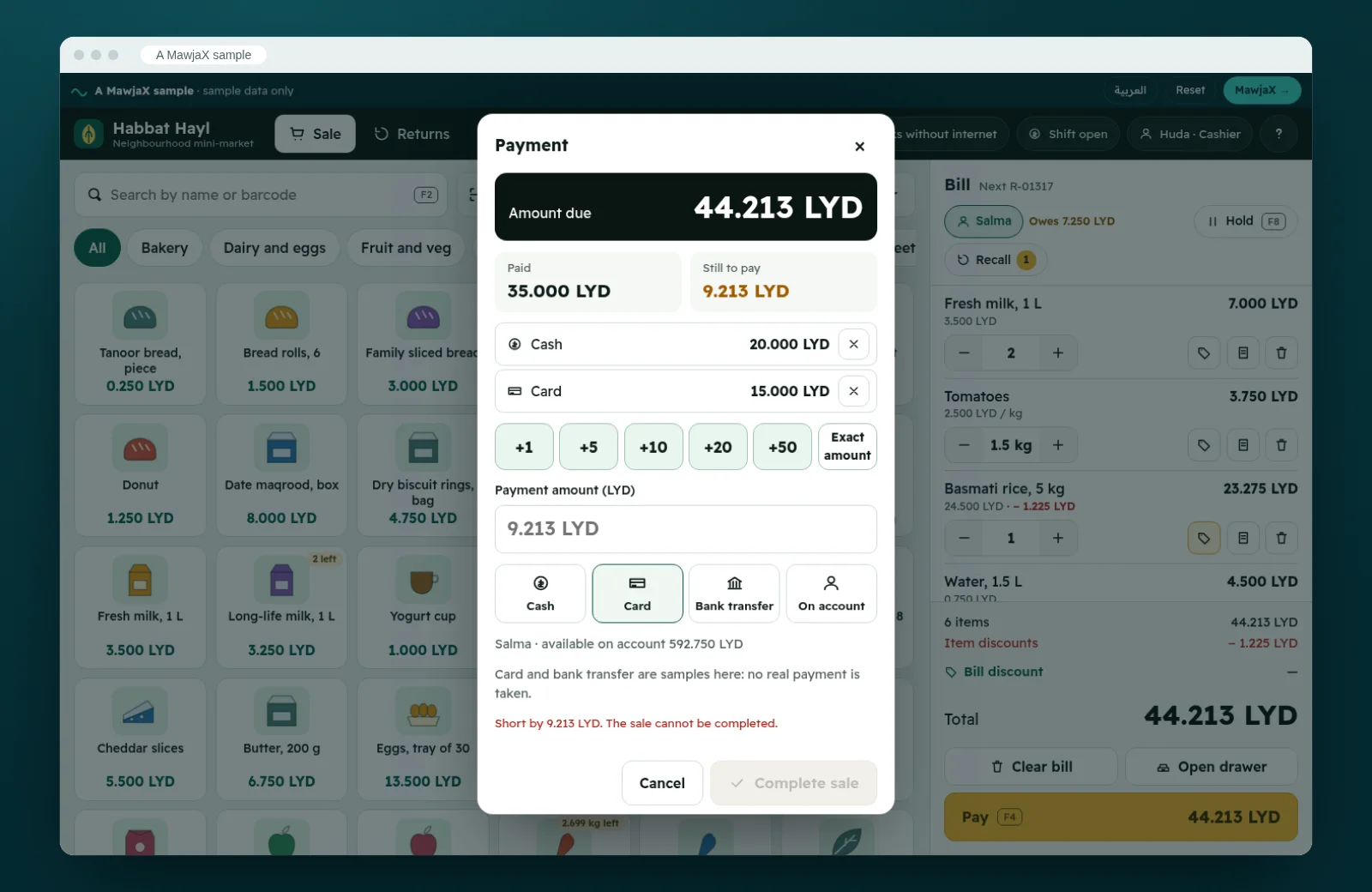
Split payment: cash and card, with change worked out to the dirham 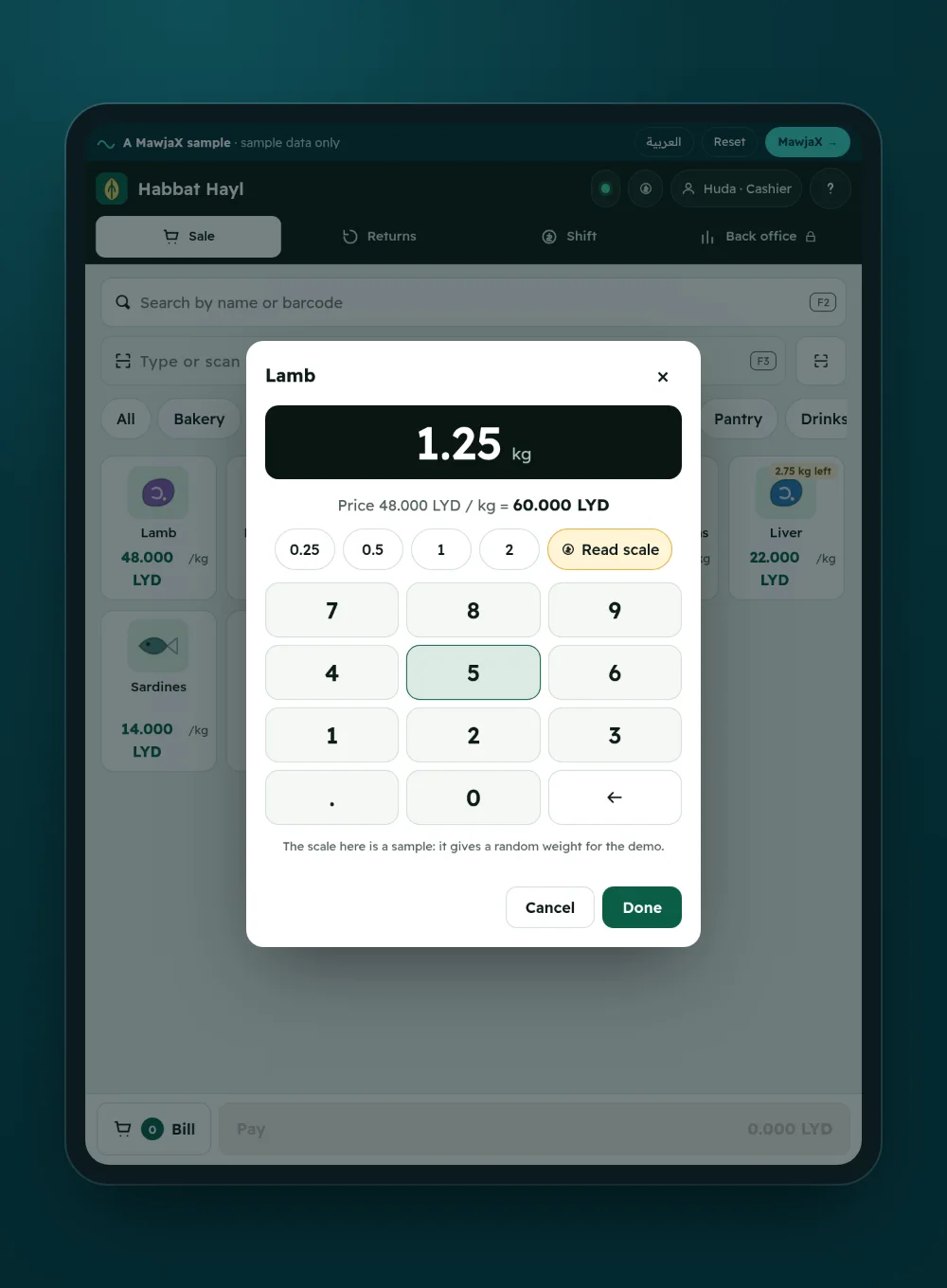
Weighed items: a keypad, with the price per kilo worked out instantly 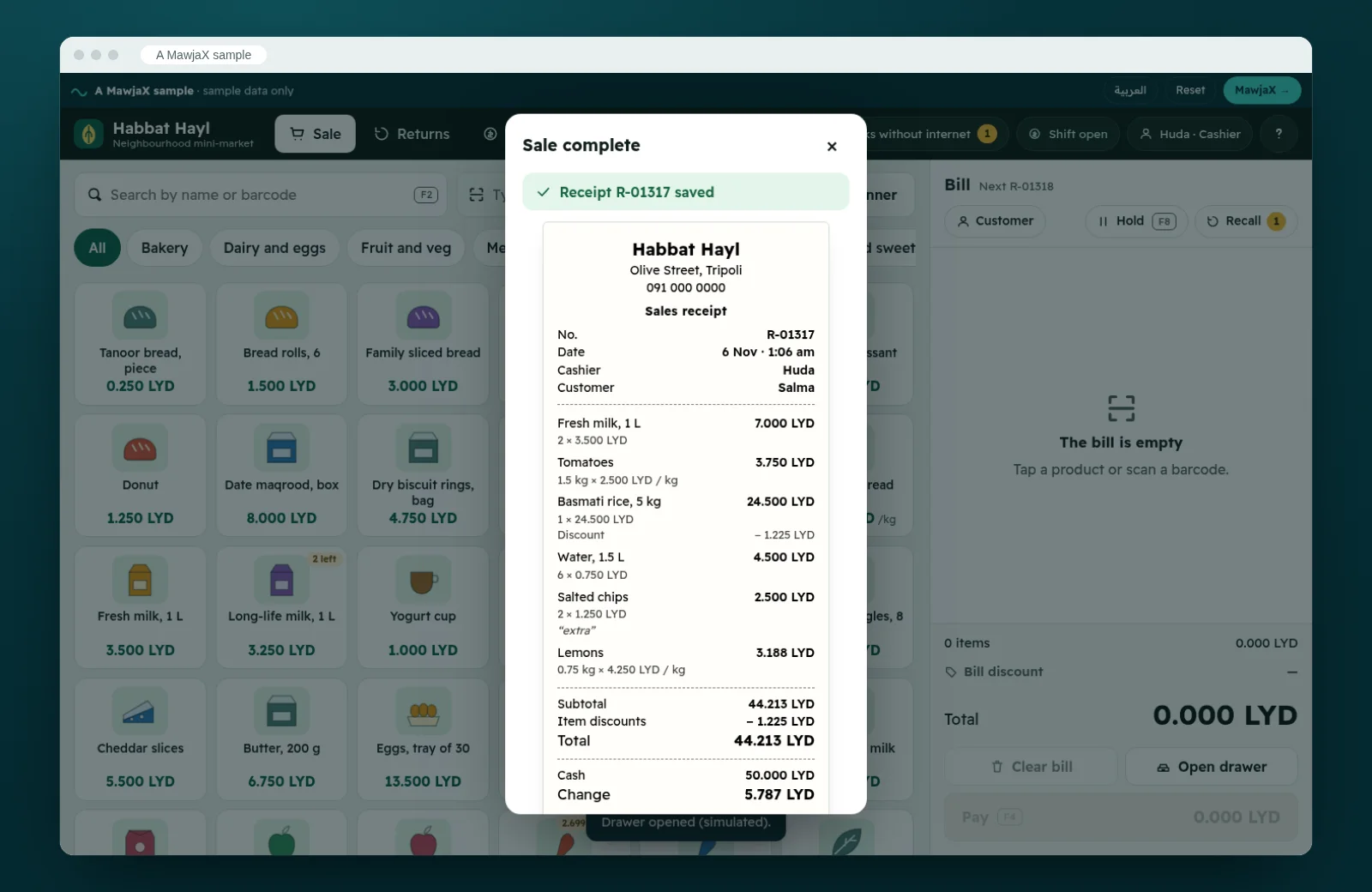
An 80 mm receipt ready to print, with a barcode that scans at the returns desk 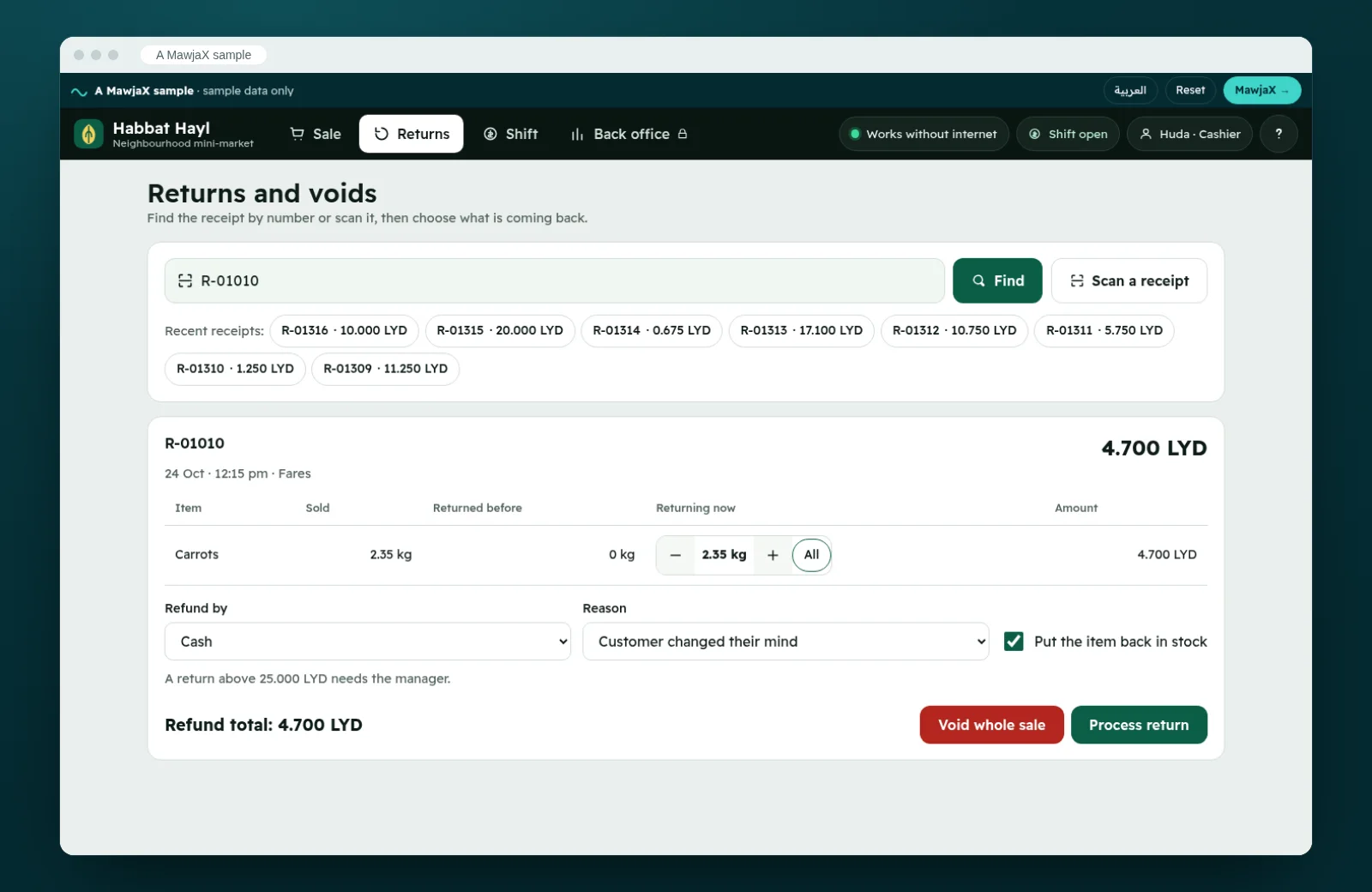
Returns: find the receipt, pick the items, and stock goes back on the shelf 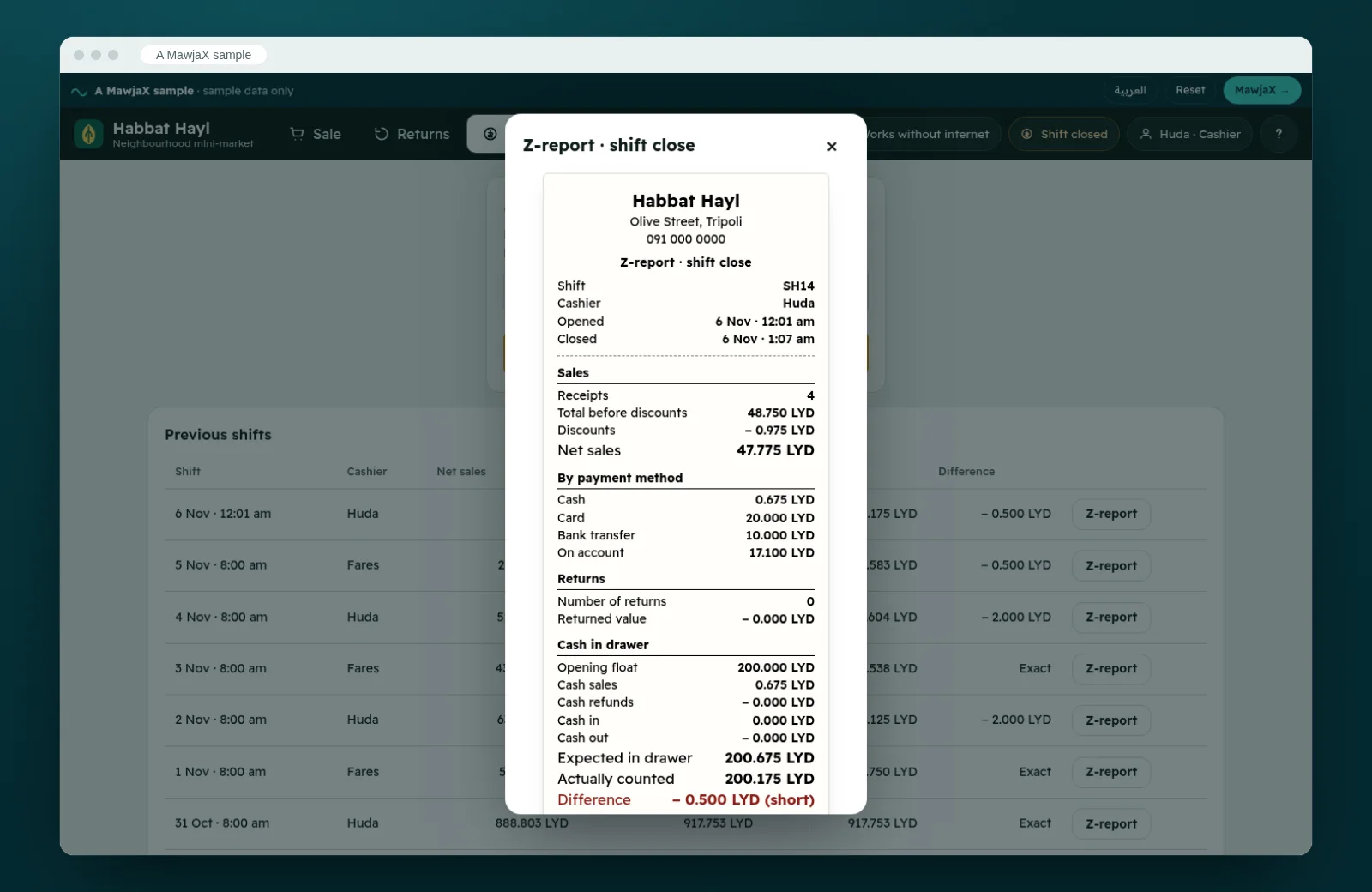
Close the shift with a cash count; the Z-report compares expected with counted 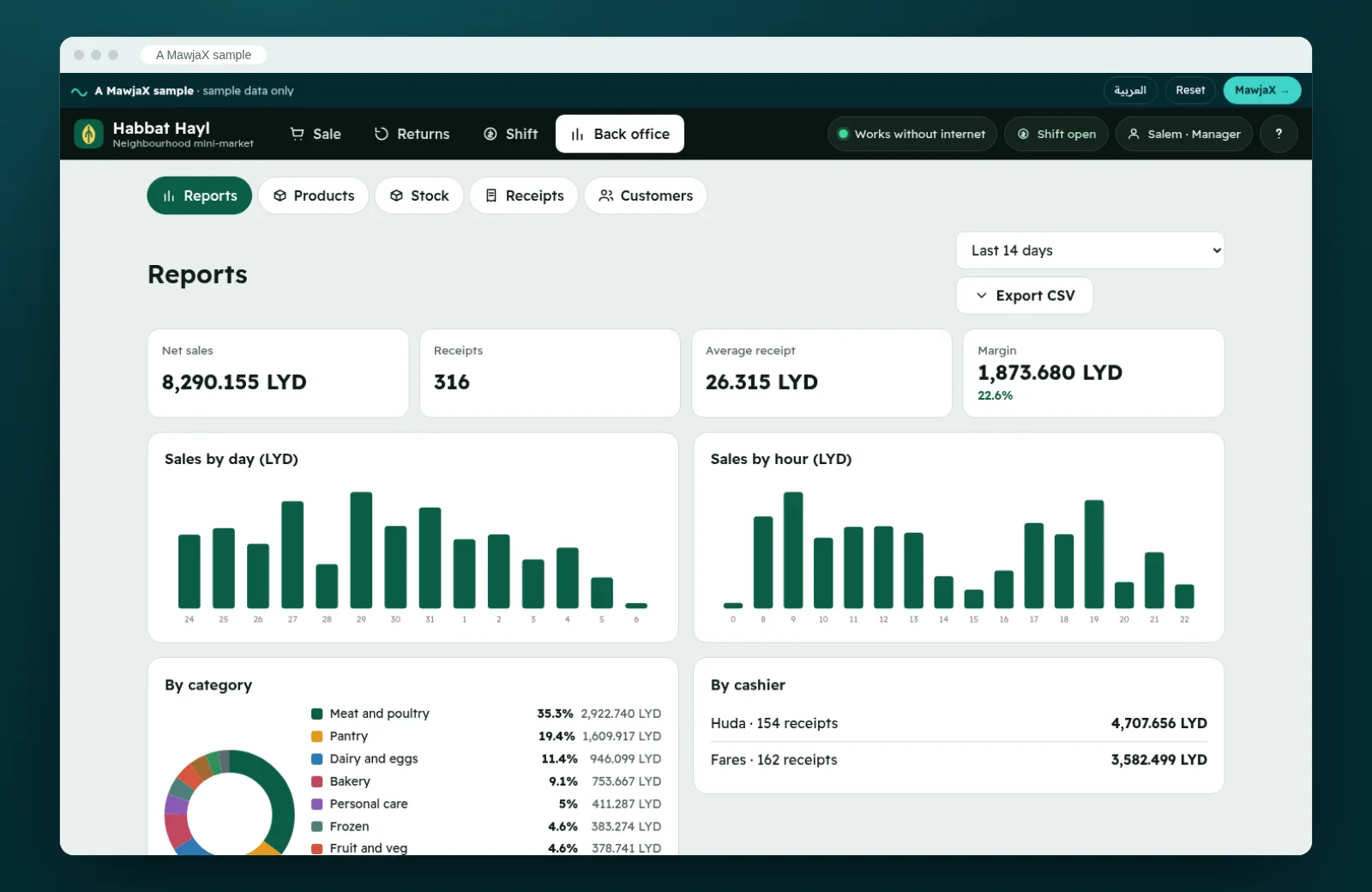
Manager reports: sales by day, hour and category, top sellers and margin 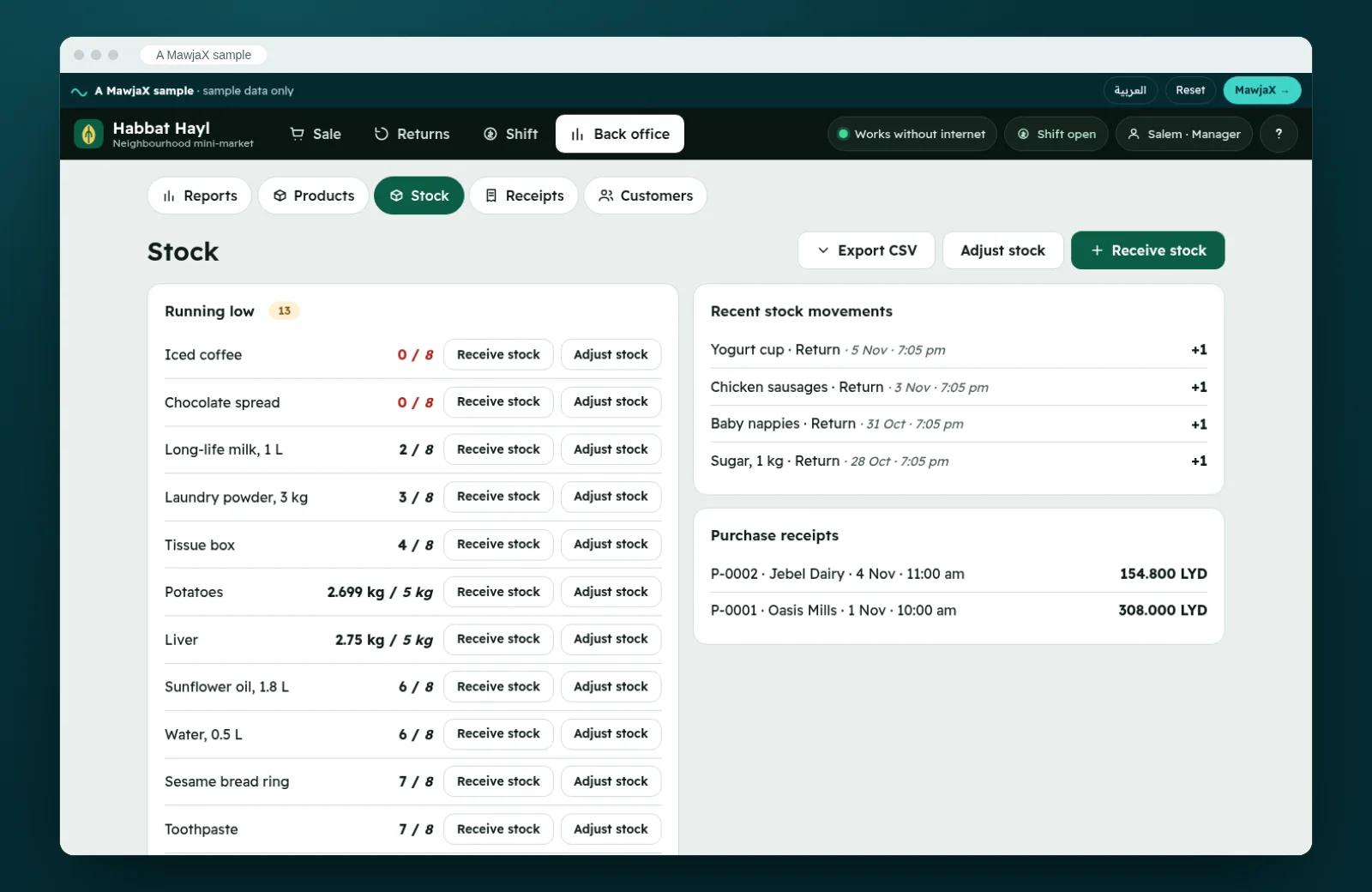
Stock: what is running low, and receiving deliveries from suppliers
On a phone
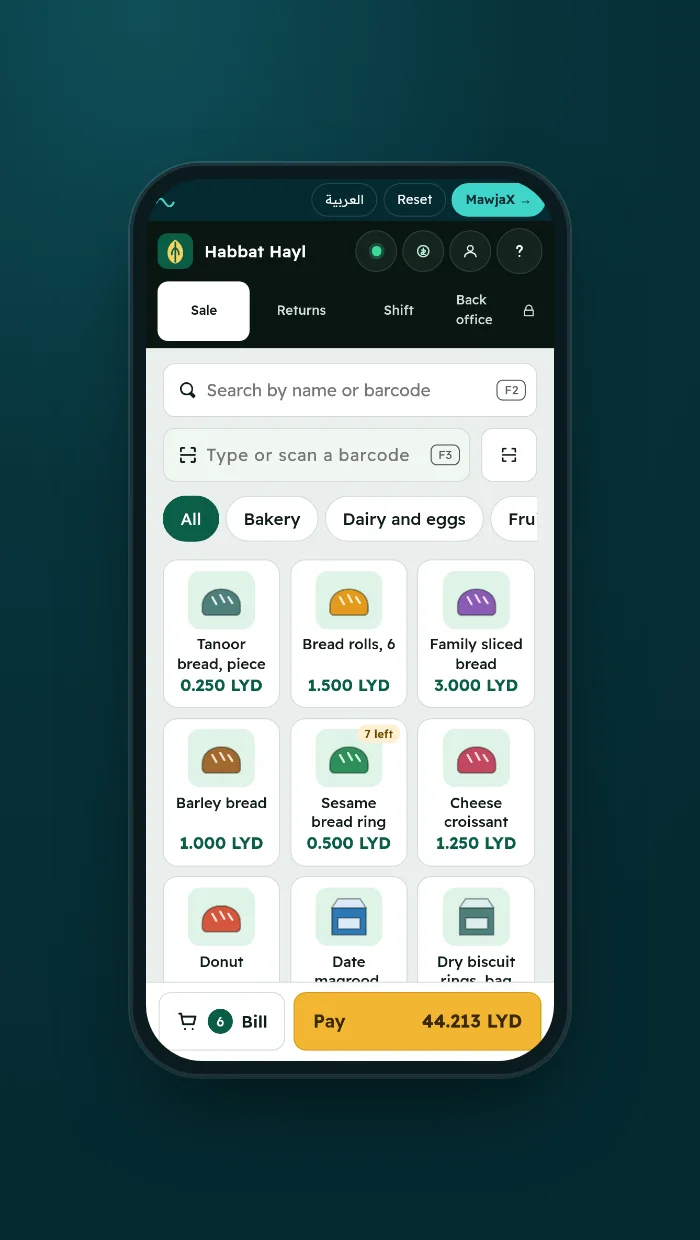
Works one-handed on a phone or tablet